
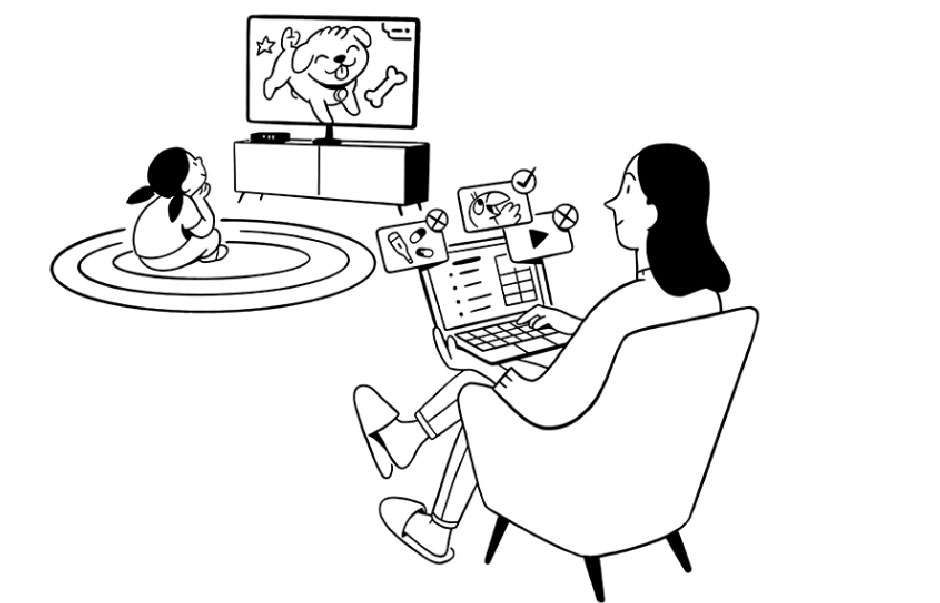
Stop Your Child’s Disctraction with Website Blocking Application
Managing screen time has become really difficult, especially for your kids. How often do you notice your child getting lost in social media or games, with hours slipping by unnoticed?
Understanding the tuff meaning behind this challenge can be crucial. Web blocking applications help you take control over your child’s screen time, making it easier to involve them in other useful activities. These apps allow you to block distracting and harmful websites, ensuring a healthier digital environment for your child.
Limiting Internet Access on Your Child’s Phone
Putting limits on your child’s internet access would help them stay away from distractions. Studies have shown that excessive use of the internet badly impacts children’s performance, school, and overall social interactions.
Internet blocker app gives you control over your child’s internet access and would also provide safety from having access to any inappropriate content online. This will help your child to adopt a better online behavior and have useful yet limited access to the internet.
Device-Specific Parental Controls
Built in parental control features are now available in every device without the limitation of any operating system. They are easy to access without downloading any additional software on your child’s phone. You can download it on any device; whether your child uses an iPhone or an Android device, you can implement these controls with the built-in parental control settings.
You can also use an internet blocker for iPhone and Android to manage screen time and internet usage of your child. Here is how you can use these features on both devices:
iPhone (Screen Time)
Enabling screen time on the iPhone makes it really easy to track the screen time of your child. It accurately shows how much time they’re spending in a day on each app. When you enable screen time, it will give you a proper report, and you can also set a time limit for each app.
It also comes with a useful downtime feature that allows you to set a specific time for apps like phones and messages. This feature helps you make sure that your child is not using their phone during bedtime or studies. Along with that, you can also put restrictions on content to avoid any inappropriate content for your child.
Android (Family Link)
Family link app helps parents control their child’s Android phone from their own device. Parents can limit children’s activity, such as deciding which apps can be downloaded. This app also enables parents to locate their child with real-time location tracking. It is helpful to know the exact location of your child so you can be aware that they are safe.
It gives access to their daily screen time, which can help you monitor your child’s phone use. If needed, parents can lock down their children’s phones if they are spending overtime on them. These features help parents to manage any suspicious activities that might create any problems.
Third-Party Parental Control Apps
Parental apps are a great source for accessing your children’s phones. Apps that block websites are not limited to certain features and provide all the necessary options. Parentaler is one of the most helpful apps for this purpose. It offers several key features that include :
- Browsing History – You can see which website your children have visited.
- Website Bookmarks – You can also view which websites your child saves.
- Blocking Websites – You can block websites that are inappropriate for children.
- Wi-Fi Networks – This app also gives you full access to which wifi device your child can connect.
- Keyword Alerts – Parents get alerts automatically if their child has used any flagged words or phrases.
Types of Parental Controls
Many useful parental controls let parents keep an eye on their child’s activities. By using these controls, you can create safe access to the internet for your children. Some of the best type of parental control features include:
- Screen Time Management – This lets parents set limits on how long their child can use their device each day, promoting healthy screen time habits.
- Content Filtering – This feature blocks inappropriate or harmful websites and online content, ensuring children only access suitable material.
- App Limits – Parents can set restrictions on which apps their child can use and for how long, helping to manage app usage.
- Access Control – This controls who can access the device and its features, including setting up passcodes or blocking certain functions.
- Monitoring – Parents can keep track of their child’s online activity, such as browsing history and app usage, to stay informed about their digital behavior.
Conclusion
Website blocking applications help to keep children safe from visiting any inappropriate website. Using apps like Parentaler lets you monitor and help you make sure that your children only use suitable websites. Set limits and protect your child today from all dangerous sources on the internet.